You can manage your API keys from the dashboard or programmatically via the API. The dashboard gives you a visual overview of all keys and quick access to edit, regenerate, or revoke them.
Manage keys in the Dashboard
View your keys
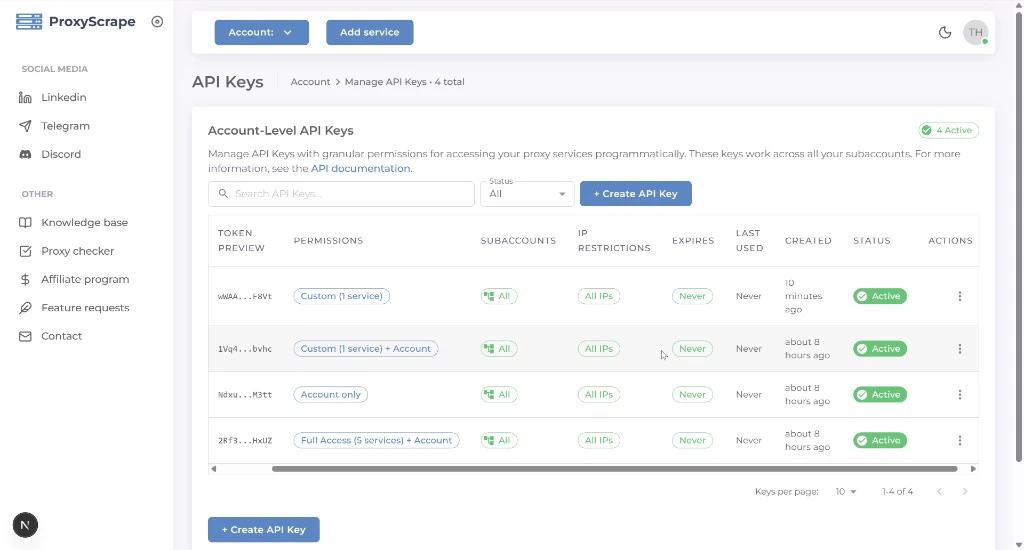
Open the profile icon (top right) in the dashboard and select API Keys, or go to /account/api-keys. The table shows each key’s name, permissions summary, status (active / inactive), creation date, expiry, and available actions.
You can search by name and filter by Status (All, Active, or Inactive). Deactivating a key (via edit → toggle inactive) keeps it in the list under All / Inactive — it stops working for authentication until you reactivate it. Revoking (delete) permanently removes the key.
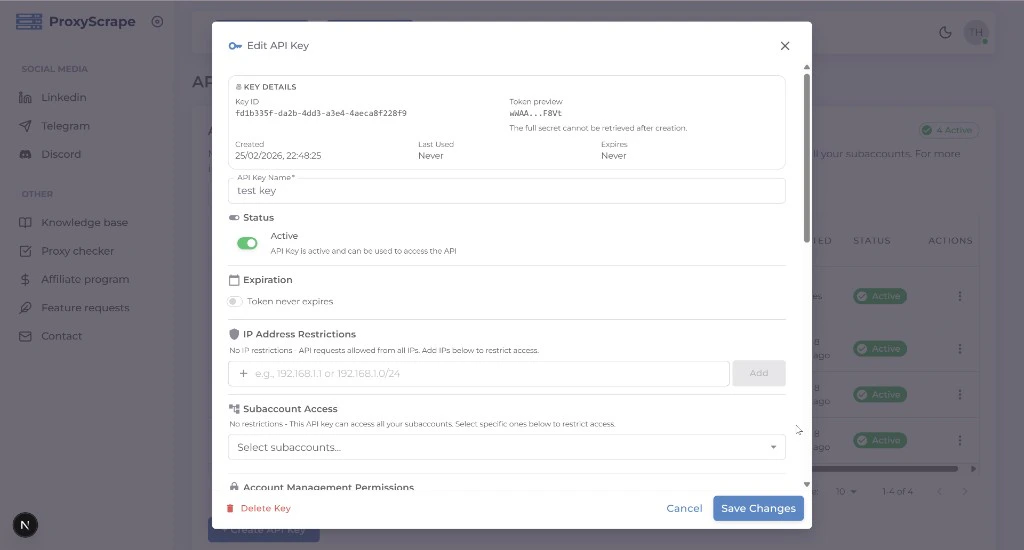
Edit a key
Click the edit icon on any key row to open the edit modal. You can change the key’s name, permissions, subaccount access, IP restrictions, expiration, and active status. The same form fields from creation are available.
Regenerate a secret
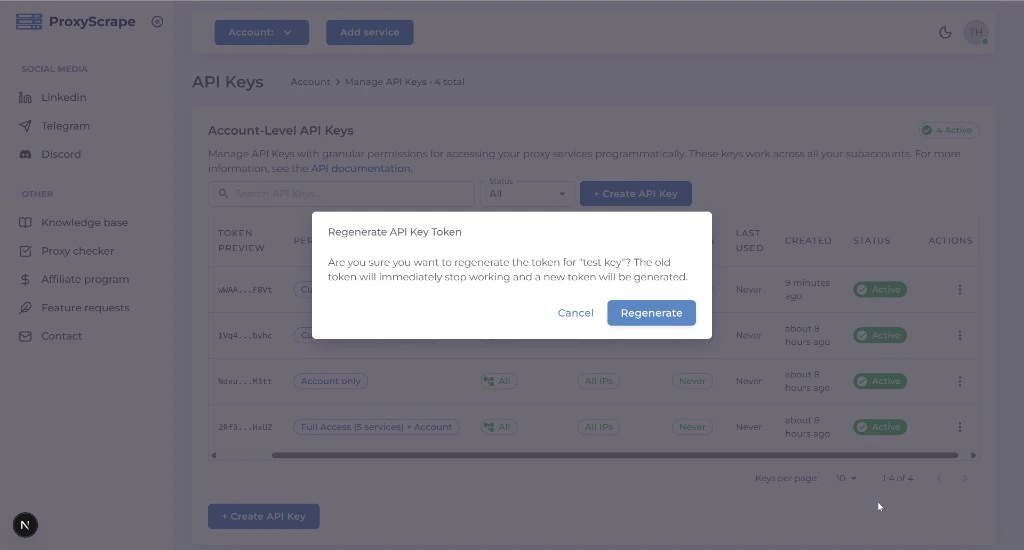
If a key’s secret has been compromised or you need a new one, use the regenerate action from the key’s row. The old secret stops working immediately and a new one is displayed.
After regenerating, the new secret is shown only once. Copy and store it immediately.
Revoke (delete) a key
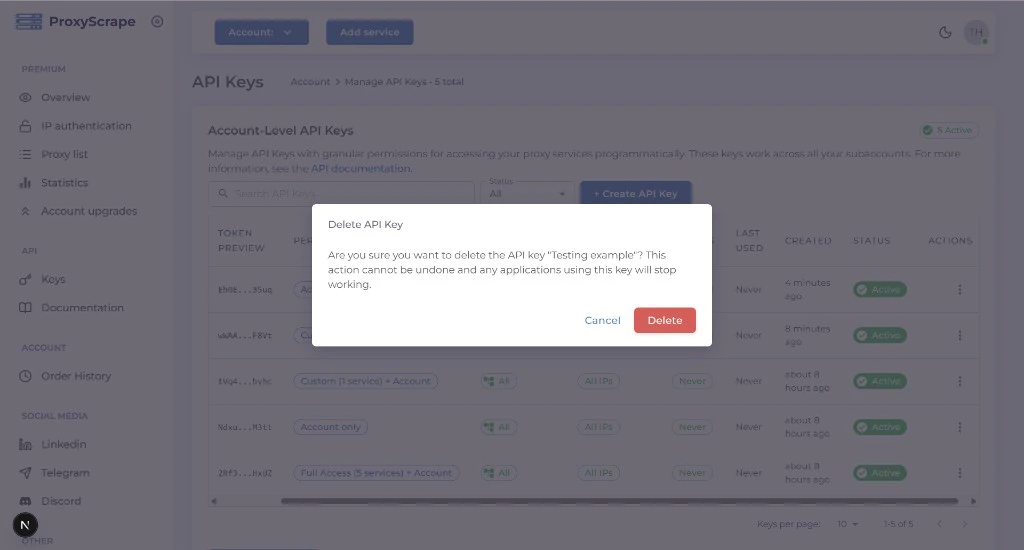
Click the delete icon on the key row. Revoking a key permanently removes it — it can no longer be used for authentication.
Manage keys via API
For automation and scripting, all key management operations are available via the API. Each request must be authenticated with an API key that has the required permission.
List keys
GET /v4/account/api-keys
Returns API keys for the account. Response includes key id, name, permissions, allowed_subaccounts, allowed_ips, expires_at, is_active, and related metadata (the secret is never included).
Query parameters
Requires account:apikeys:read permission.
Get by ID
GET /v4/account/api-keys/:id
Returns a single API key by ID. The full token (secret) is never returned after creation; only metadata is available.
Update a key
PUT /v4/account/api-keys/:id
Update the key’s name, permissions, allowed_subaccounts, allowed_ips, expires_at, or is_active. Same body shape as create. Requires account:apikeys:update permission.
Regenerate secret
POST /v4/account/api-keys/:id/regenerate
Generates a new secret for the key. The old secret stops working immediately. The new secret is returned only in this response — store it securely. Requires account:apikeys:regenerate permission.
You cannot regenerate the key you are currently using to authenticate the request. Use another API key to regenerate it.
Revoke (delete) a key
DELETE /v4/account/api-keys/:id
Permanently revokes the key. It can no longer be used for authentication. Requires account:apikeys:delete permission.
You cannot delete the key you are currently using. Use another API key to revoke it.